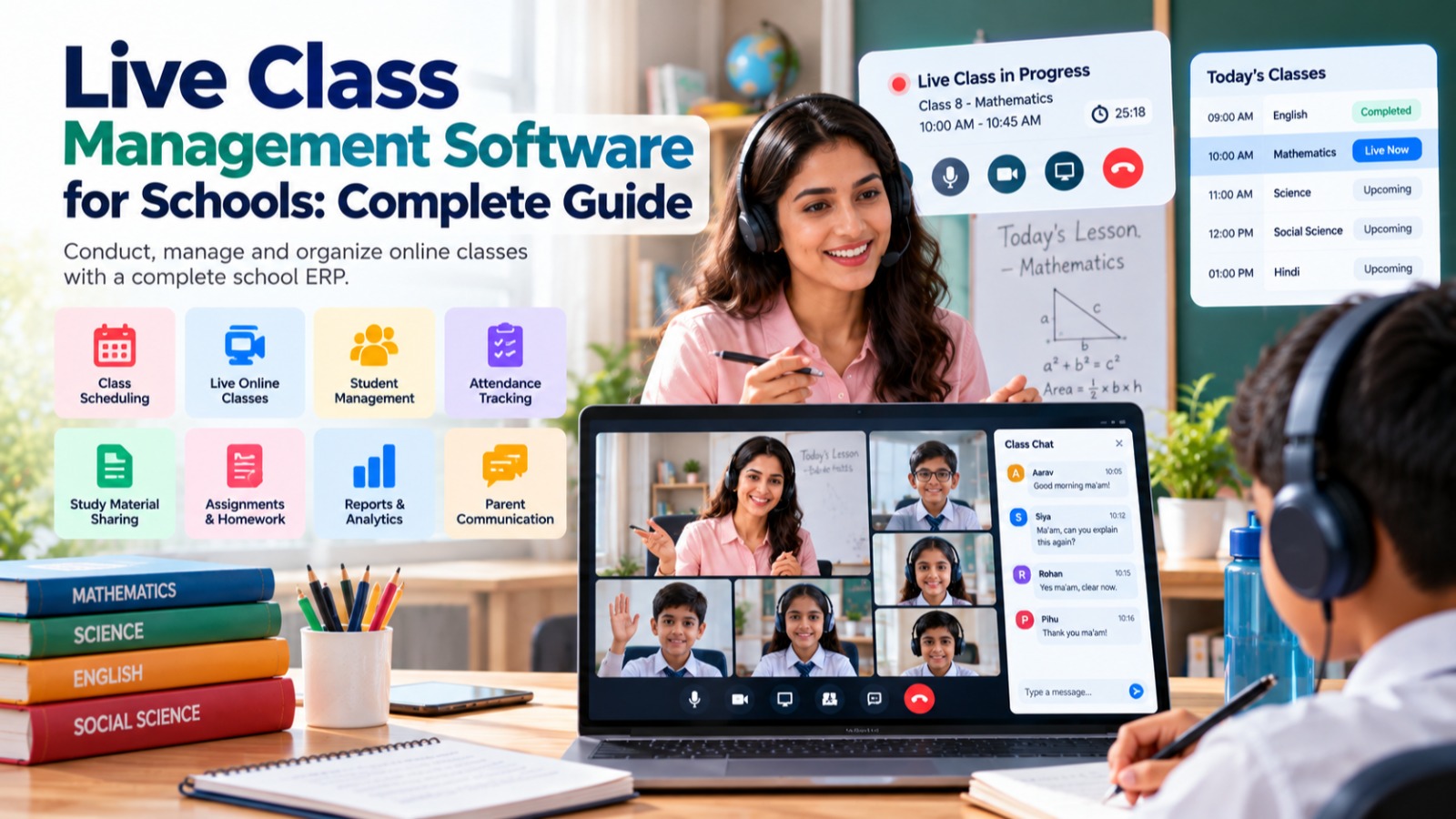

Education is no longer limited to the physical classroom.
Schools increasingly use digital platforms to conduct live classes, communicate with students, share learning materials, manage assignments, and continue teaching when students or teachers cannot be physically present in the classroom.
However, managing online classes can become complicated when schools use separate applications for video meetings, attendance, assignments, communication, and student records.
This is where Live Class Management Software for Schools can help.
A centralized live class management system can help schools organize online classes, teachers, students, schedules, attendance, learning resources, and communication through a structured digital platform.
When live classes are integrated with a complete School ERP, schools can connect online learning with student management, attendance, timetable, examinations, fees, communication, and other school operations.
What Is Live Class Management Software?
Live Class Management Software is a digital platform that helps schools organize and manage real-time online teaching sessions.
It can provide tools for:
-
Creating live classes
-
Scheduling online sessions
-
Assigning teachers
-
Adding students
-
Managing class links
-
Recording attendance
-
Sharing learning materials
-
Managing assignments
-
Communicating with students and parents
-
Managing class schedules
-
Monitoring online learning activities
-
Generating reports
Instead of creating meeting links manually and sharing them through different communication channels, schools can organize online classes within a structured system.
The exact capabilities depend on the platform and its integrations.
Why Do Schools Need Live Class Management Software?
Conducting one online class is relatively simple.
Managing hundreds of online classes across multiple teachers, subjects, classes, and sections is much more complicated.
Consider a school with:
-
30 teachers
-
20 classes
-
Multiple sections
-
Several subjects
-
Different schedules
-
Hundreds or thousands of students
Managing live classes manually can require multiple spreadsheets, messaging groups, meeting links, and separate attendance records.
Teachers may need to:
-
Create a meeting.
-
Copy the meeting link.
-
Share it with students.
-
Track attendance.
-
Record the class.
-
Share study material.
-
Send assignments.
-
Collect submissions.
-
Maintain attendance separately.
A centralized live class management system can organize many of these activities within one workflow.
Key Features of Live Class Management Software for Schools
1. Live Class Scheduling
Scheduling is one of the most important features.
Schools can create online classes according to:
-
Class
-
Section
-
Subject
-
Teacher
-
Date
-
Start time
-
End time
-
Academic session
For example:
Class: 8-A
Subject: Mathematics
Teacher: Assigned Teacher
Date: Monday
Time: 10:00 AM
Class Type: Live Online Class
Students can then access the scheduled class from the relevant platform.
2. Teacher-Wise Live Classes
Teachers may conduct multiple online classes every day.
A centralized system can provide each teacher with a list of their scheduled classes.
For example:
Teacher Dashboard
09:00 AM — Class 6 Mathematics
10:00 AM — Class 8 Mathematics
11:30 AM — Class 10 Mathematics
This gives teachers a structured schedule instead of requiring them to search through different communication groups for meeting links.
3. Student-Wise Class Access
Students should only see classes relevant to them.
For example, a student in Class 7-B should see the live classes assigned to Class 7-B.
This can help prevent confusion caused by sharing multiple meeting links through general messaging groups.
Students can access:
-
Upcoming classes
-
Active classes
-
Previous classes
-
Learning materials
-
Assignments
-
Other available resources
4. Integration With Timetable
One of the biggest advantages of integrating live classes with School ERP is connecting online sessions with the academic timetable.
A timetable can define:
Monday — Period 1 — Mathematics
↓
Live Class
↓
Teacher + Students
This means the school does not need to maintain a completely separate schedule for online classes.
Where supported, the live class can be created according to the existing timetable structure.
5. Online Class Links
A live class generally requires an online meeting or streaming link.
Depending on the platform and integration, schools can manage links for supported video conferencing or virtual classroom services.
Instead of sending links manually through multiple channels, the class link can be associated with the scheduled class.
This makes it easier for students and teachers to find the correct session.
6. Student Attendance for Live Classes
Attendance remains important even when classes are conducted online.
A live class management system can help schools record:
-
Present students
-
Absent students
-
Late students
-
Class attendance
-
Subject-wise attendance
-
Date-wise attendance
Where supported by the underlying meeting or classroom technology, attendance data may also be integrated with the live session.
This allows schools to maintain online attendance as part of the student's overall attendance record.
7. Teacher Attendance and Class Records
Schools may also want to maintain information about teachers conducting online classes.
The system can record:
-
Assigned teacher
-
Scheduled class
-
Actual class session
-
Attendance
-
Class duration
-
Session status
This can help administrators monitor whether scheduled online classes are being conducted according to the school's academic plan.
8. Recorded Classes
Not every student can attend every live class.
Recorded sessions can provide students with an opportunity to review lessons later, where recording functionality is supported.
Recorded classes can be useful for:
-
Revision
-
Missed classes
-
Exam preparation
-
Difficult topics
-
Homework support
Schools should establish appropriate policies regarding recording, storage, access, and privacy.
9. Learning Material Sharing
A live class is only one part of online learning.
Teachers may also need to share:
-
PDF notes
-
Presentations
-
Worksheets
-
Study material
-
Reference documents
-
Videos
-
Assignments
An integrated platform can associate learning materials with the relevant class or subject.
This gives students one place to find the resources related to their lessons.
10. Online Assignment Management
After a live class, teachers may assign homework or activities.
A digital system can help manage:
-
Assignment creation
-
Assignment instructions
-
Due dates
-
Student submissions
-
Teacher review
-
Marks or feedback
This creates a connected workflow:
Live Class → Learning Material → Assignment → Submission → Evaluation
Instead of managing each step through separate applications.
11. Teacher-Student Communication
Online classes require regular communication.
Teachers may need to communicate:
-
Class announcements
-
Assignment instructions
-
Schedule changes
-
Study material
-
Exam preparation
-
Important reminders
A School ERP with communication functionality can help centralize these interactions.
12. Parent Communication
Parents may also need information about online classes.
Schools can communicate:
-
Upcoming class schedules
-
Class links
-
Attendance
-
Assignments
-
Important announcements
-
Schedule changes
This can be especially useful for younger students who require parental assistance to join online classes.
13. Class Dashboard
A centralized dashboard can provide an overview of online teaching activities.
For example:
-
Classes scheduled today
-
Classes currently active
-
Completed classes
-
Upcoming classes
-
Teachers conducting classes
-
Student attendance
-
Pending assignments
School administrators can use the dashboard to monitor online learning operations.
14. Subject-Wise Online Classes
Schools may offer online classes for multiple subjects.
A live class system can organize sessions according to:
-
Mathematics
-
Science
-
English
-
Hindi
-
Social Science
-
Computer Science
-
Languages
-
Other school subjects
This makes it easier for students and teachers to locate the appropriate online session.
15. Class-Wise Online Learning
The system can organize classes according to academic structure.
For example:
Class 5
-
Section A
-
Section B
-
Section C
Class 6
-
Section A
-
Section B
-
Section C
Each section can have its own teachers, timetable, students, and live classes.
This is particularly useful for schools managing a large number of students.
16. Online Examination and Assessment
Live classes can also be connected with assessments.
After teaching a topic, teachers can conduct:
-
Online quizzes
-
Tests
-
Assignments
-
Assessments
-
Practice examinations
When assessment features are integrated with the School ERP, academic performance can be managed alongside classroom and online learning activities.
17. Attendance and Academic Reports
Online class information can become part of the school's broader reporting system.
Management may want to understand:
-
Number of online classes conducted
-
Class attendance
-
Teacher participation
-
Assignment completion
-
Subject activity
-
Student engagement
Reports can provide a centralized view of online learning activities.
18. Mobile-Friendly Access
Students, teachers, and parents increasingly use smartphones to access educational services.
A mobile-friendly live class platform can make it easier for users to:
-
View class schedules
-
Join live classes
-
Access learning material
-
Check assignments
-
View attendance
-
Receive notifications
Mobile access is particularly useful when students are learning from home or while travelling.
19. Notifications and Reminders
Students can sometimes miss online classes simply because they forget the schedule.
Automated notifications can help remind users about:
-
Upcoming classes
-
Class starting soon
-
Assignment deadlines
-
Schedule changes
-
New learning materials
The available notification channels depend on the School ERP and its integrations.
20. Centralized Online Learning Records
One of the biggest advantages of an integrated system is that online learning information does not remain isolated.
A student's digital record can potentially include:
-
Student profile
-
Attendance
-
Live class participation
-
Assignments
-
Academic information
-
Examination results
-
Fees
-
Communication
This creates a more complete digital profile of the student's school activities.
Benefits of Live Class Management Software
Benefits for School Owners
-
Centralized online learning management
-
Better visibility into digital classes
-
Reduced dependency on multiple applications
-
Better administrative control
-
Structured online teaching operations
Benefits for Principals
-
Monitor scheduled classes
-
View online attendance
-
Track academic activities
-
Review reports
-
Manage teachers and classes
Benefits for Teachers
-
Organized class schedule
-
Easy access to student lists
-
Centralized class links
-
Learning material management
-
Assignment management
-
Attendance tracking
Benefits for Students
-
Easy access to classes
-
Organized schedules
-
Learning materials in one place
-
Assignment access
-
Attendance visibility
Benefits for Parents
-
Class schedule visibility
-
Notifications
-
Attendance information
-
Assignment information
-
Better communication with school
Live Class Software vs. Using Multiple Applications
Many schools use separate tools for different online teaching activities.
For example:
Application 1: Video meetings
Application 2: WhatsApp communication
Application 3: Excel attendance
Application 4: Google Drive for study material
Application 5: Separate assignment platform
This can create fragmented information.
| Multiple Applications | Integrated Live Class Management |
|---|---|
| Multiple logins | Centralized access |
| Separate meeting links | Classes organized by schedule |
| Manual attendance | Digital attendance workflow |
| Separate study material | Class-linked resources |
| Manual communication | Centralized notifications |
| Separate assignment tracking | Integrated assignment workflow |
| Scattered records | Centralized student information |
| Difficult reporting | Centralized reports |
The objective of live class management software is not simply to provide another video meeting tool.
The real objective is to connect live teaching with the school's existing academic and administrative processes.
How Live Classes Fit Into a School ERP
Live classes are more useful when connected to the rest of the school's academic system.
A typical workflow can look like:
Student Management
↓
Class & Section
↓
Timetable
↓
Live Class
↓
Attendance
↓
Learning Material
↓
Assignment
↓
Assessment
↓
Report
This creates a structured digital learning workflow.
How S2DENTSHIVE Can Support Live Class Management
S2DENTSHIVE is designed as a centralized School ERP covering multiple academic and administrative functions.
For schools using online or hybrid teaching, live classes can be positioned alongside modules such as:
-
Student Management
-
Admissions
-
Timetable
-
Attendance
-
Examinations
-
Assignments
-
Staff Management
-
Fees
-
Communication
-
Reports
-
Transport
-
Hostel
-
Library
-
Inventory
This means schools can work toward managing online learning as part of their broader school management ecosystem rather than operating it as a completely separate process.
For example:
Teacher
→ Views timetable
→ Opens scheduled live class
→ Conducts lesson
→ Records attendance
→ Shares learning material
→ Gives assignment
→ Reviews student work
The student can then access the relevant information from the same school ecosystem.
Live Classes for Hybrid Learning
Live class management is not only useful when the entire school operates online.
It can also support hybrid learning.
For example, a school may conduct regular classroom teaching while also using online classes for:
-
Students who are temporarily unable to attend
-
Revision sessions
-
Extra classes
-
Remedial classes
-
Exam preparation
-
Guest lectures
-
Special sessions
-
Holiday learning
-
Parent orientation
-
Teacher training
This makes live class functionality useful beyond emergency remote learning.
How Schools Can Implement Live Class Management
Successful implementation requires a clear process.
Step 1: Define the Online Learning Policy
Decide:
-
Which classes will be conducted online?
-
Which teachers will conduct them?
-
How long will sessions be?
-
How will attendance be recorded?
-
Will classes be recorded?
-
How will assignments be managed?
Step 2: Configure Classes and Teachers
Make sure classes, sections, subjects, and teachers are correctly configured.
Step 3: Connect the Timetable
Map online sessions to the school's academic schedule where appropriate.
Step 4: Train Teachers
Teachers should understand how to create, start, manage, and close online classes.
Step 5: Inform Parents and Students
Provide clear instructions for accessing online classes.
Step 6: Monitor Attendance
Review participation and attendance regularly.
Step 7: Review Reports
Management should monitor online teaching activity and student participation.
What Should Schools Look for in Live Class Management Software?
Before selecting a solution, schools should evaluate:
Easy Class Scheduling
Can administrators and teachers schedule classes easily?
Timetable Integration
Can online sessions connect with the school's existing timetable?
Student Management
Can students automatically be associated with their classes?
Attendance
Can online class attendance be recorded and reported?
Learning Materials
Can teachers share notes and resources?
Assignments
Can students receive and submit assignments?
Communication
Can the school communicate class information and changes?
Mobile Access
Can teachers and students access classes from mobile devices?
Reports
Can management monitor online teaching activity?
Security and Privacy
Schools should evaluate access controls, data protection, recording policies, and the privacy implications of online classes.
The Future of Digital Learning in Schools
Online education is becoming an additional component of modern school management rather than simply a temporary alternative to classroom teaching.
The future of digital learning can combine:
Live Classes + Timetable + Attendance + Learning Material + Assignments + Assessments + Communication
When these components are connected, schools can provide a more organized digital learning experience.
The objective is not to replace teachers or physical classrooms.
It is to provide schools with additional tools to extend teaching beyond the classroom and manage learning more efficiently.
Conclusion
Managing live classes requires more than a video meeting link.
Schools need to schedule sessions, assign teachers, manage students, communicate with parents, record attendance, share learning material, manage assignments, and monitor online learning activities.
Using multiple disconnected applications can make these processes difficult to coordinate.
Live Class Management Software provides a centralized way to organize online and hybrid learning.
When live classes are integrated with a School ERP, schools can connect online teaching with student management, timetable, attendance, assignments, examinations, communication, and reporting.
For school owners and principals, this creates a more organized approach to digital education.
For teachers, it reduces repetitive administrative work.
For students, it provides easier access to classes and learning resources.
For parents, it improves visibility into their child's online learning activities.
With a centralized School ERP such as S2DENTSHIVE, schools can bring their academic and administrative operations together while supporting live and digital learning.
Teach live. Manage smarter. Keep your entire school connected.
Comments (0)
Share your thoughts or ask a question about this article.
Leave a Comment